
1
Choose the occasion
Choose the story you want to preserve
Start with a wedding, baby, memorial or your own occasion. This helps us suggest the most relevant starting cover and wording.
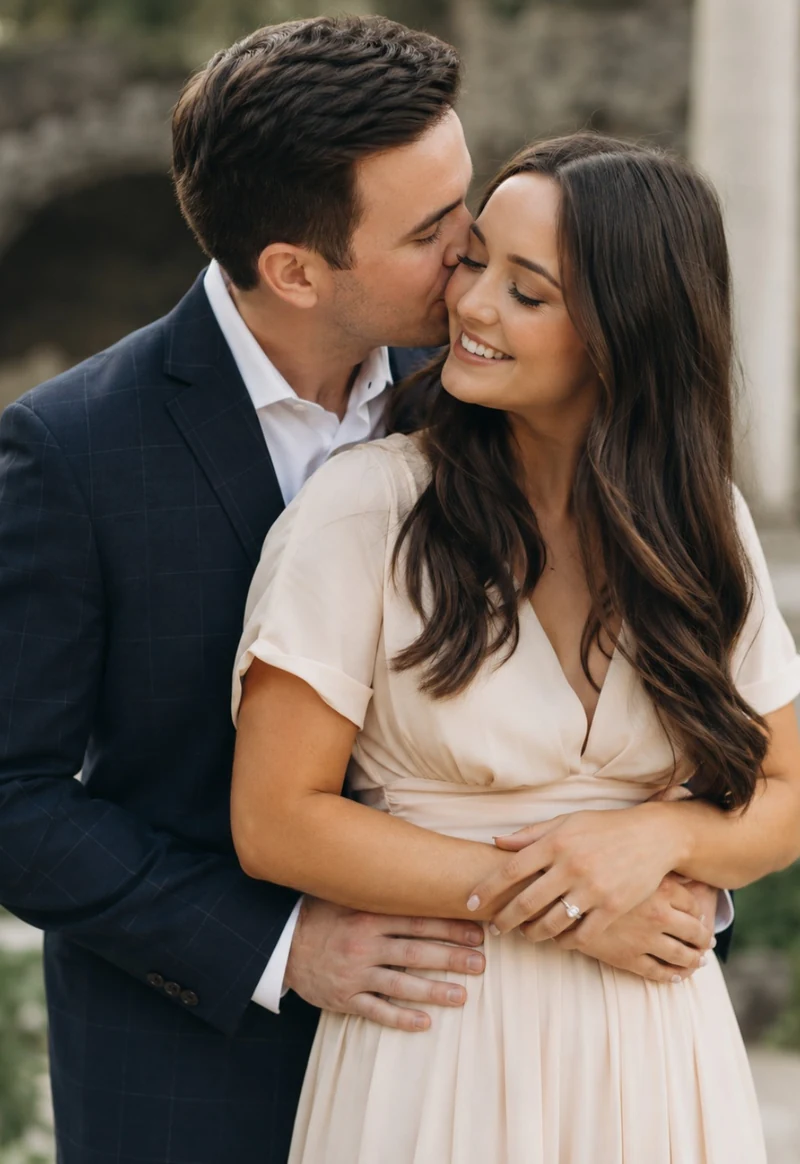
First choose your occasion and printed book, then add the memories that make it yours. You can review every page before you decide to order.
These five stages describe the full journey. Inside the book builder, six guided steps take you from choosing an occasion through to approving the preview.
Start with a wedding, baby, memorial or your own occasion. This helps us suggest the most relevant starting cover and wording.
Choose a message-led Memory Book or a photo-led Picture Book, then select the size, paper, binding and cover finish. Next, choose an automatic layout or build your pages yourself.

Add photographs, written messages, PDFs or screenshots with comments. Then personalise your cover with a photograph and wording where supported by your chosen design.
The preview shows your personalised cover and generated interior pages. Return to edit anything that needs changing before approving the book.
Complete secure checkout, receive confirmation by email and track the order as it moves through production and delivery in the UK or Republic of Ireland.
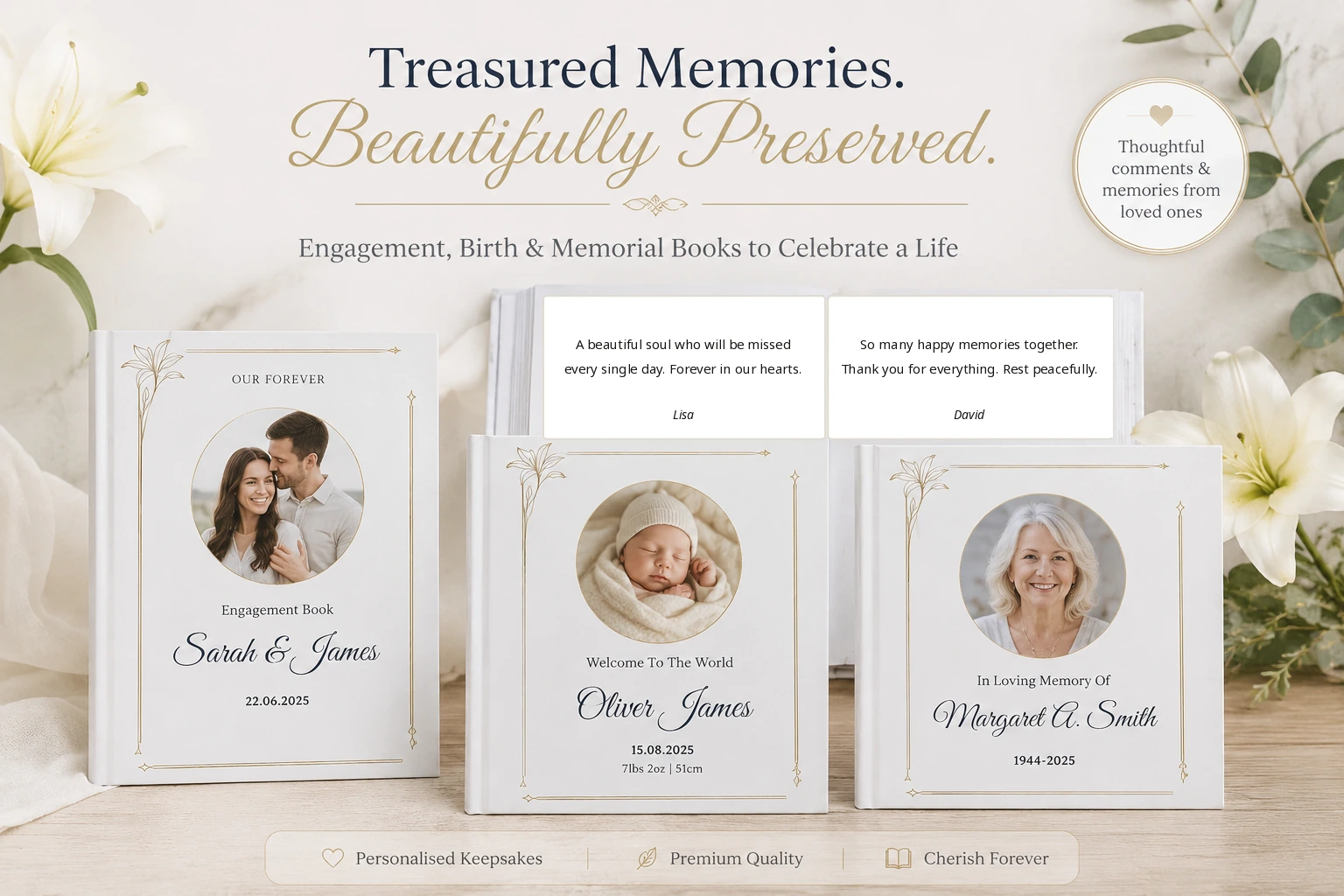
You choose which messages, photographs and memories appear.
You choose the photograph, names, date and supporting text.
You choose the size, paper, binding and cover finish.
Nothing proceeds to checkout until you approve the preview.
Upload your photographs, choose layouts, add short captions or longer stories, arrange every page and see the exact crop before you order.
See Picture Book detailsStart with your book choice, then add a PDF, photographs or even a few meaningful messages.