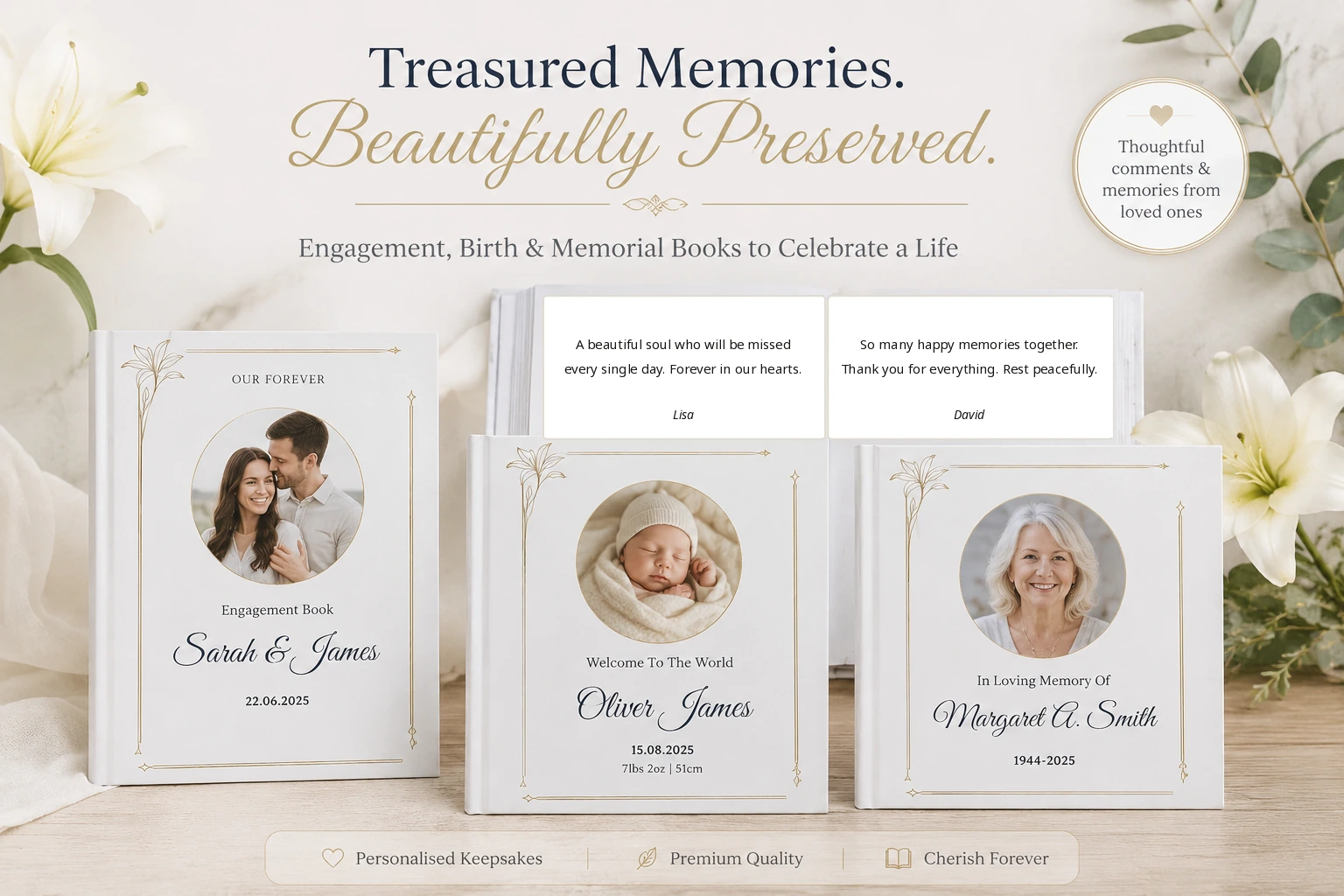
If you are looking for a way to turn comments from a celebration, announcement, tribute or remembrance post into a physical book, start by collecting the content you are authorised to use. Bound Memories supports manual entry, supported PDFs and screenshots, with eligible social imports available for supported accounts and content.
1. Define the purpose
2. Collect from the right sources
3. Select rather than copy everything
4. Review extracted text carefully
A useful order for the finished book
Start with a cover and short introduction. Then arrange the messages chronologically, by contributor group, or by theme. Chronological order works well for announcements; thematic sections often work better for memorials, retirement and longer projects.
Privacy and permission
Being able to see a comment does not automatically mean it should be printed. Consider the contributor’s expectations, the privacy of the original post and whether the book will be shared beyond the intended recipient. Avoid including contact details, private account information or material unrelated to the occasion.
Quality control before checkout
- Read every page at normal zoom and enlarged zoom.
- Check that names remain attached to the correct messages.
- Look for duplicated paragraphs and missing characters.
- Confirm the cover crop and title.
- Ask one other trusted person to proofread sensitive projects.